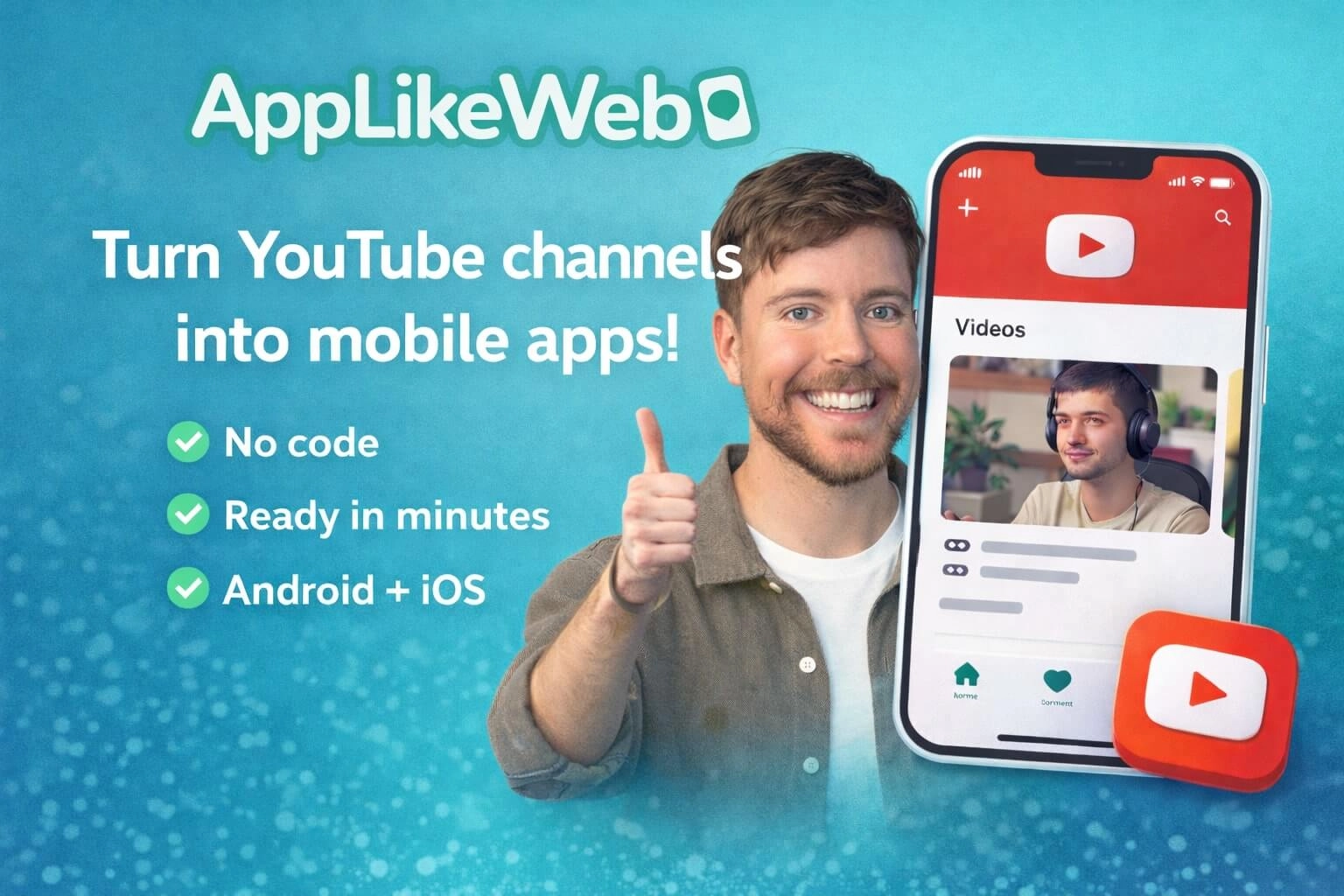
New in AppLikeWeb: the YouTube Creator template
Want viewers to come straight to your content instead of getting lost in YouTube recommendations?
Now you can build a mobile app from any YouTube channel – so fans tap an icon on their phone and land directly on your creator hub.
✅ No code
✅ Ready in minutes
✅ Android + iOS
✅ Connect using a channel link or @handle
Why this works
YouTube is powerful, but it’s also full of distractions: Shorts, trending videos, autoplay, and competitor recommendations.
A dedicated app gives you your own space – your audience opens your app and sees what you want them to see.
Less noise → more attention → stronger loyalty → easier monetization.
What you get inside the YouTube Creator template
This isn’t “just a shortcut to YouTube.” It’s a creator-ready setup:
🎬 YouTube integration
Connect your channel via @handle or URL and your app is ready to go.
👥 Community features
Add an RSS feed, your Telegram channel, and a support button – perfect for building an engaged community.
🔗 Social links & contact
Put all your social links in one place and add professional contact options for brands and partnerships (business/manager email).
💚 Donations & support
Enable donation methods and payment options so fans can support you in a couple of taps.
🔒 Exclusive videos
Offer exclusive content for supporters: access models (e.g., single donation), promo codes, token-based access, plus lists of free vs hidden videos.
🤝 Sponsored videos
Manage sponsored placements in the main feed and playlists – ideal for brand deals and partnerships.
Perfect for
- YouTubers and content creators
- educators and course creators (lessons + exclusives)
- experts and brands (content + contact + community)
- coaches, musicians, podcasters
- anyone who wants a real “creator app,” not just a link
How to create a YouTube channel app
- Open AppLikeWeb
- Create new App → From Template
- Choose YouTube Creator
- Paste your channel link or @handle
- Hit Create ✅
Ready to turn your channel into an app icon on your audience’s phone?
Try the new YouTube Creator template in AppLikeWeb and launch your YouTube channel app in minutes.