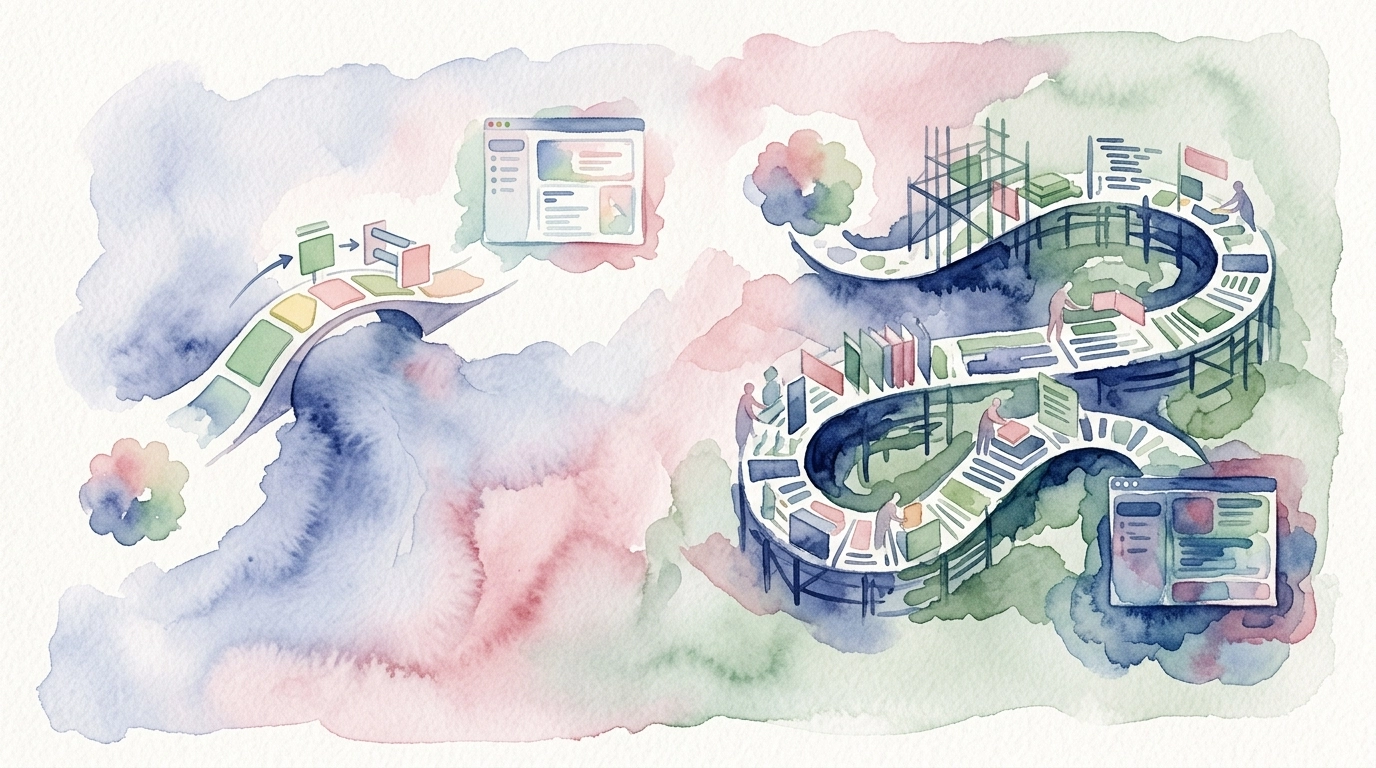
When you already have a responsive website and want to reach users in the app stores, you face a fork in the road. You can hire a team to build native apps from the ground up, or you can convert your existing site into apps with a no-code tool. The website to app vs custom development decision shapes your budget, your launch date, and how much ongoing work you sign up for every time you ship a change. This guide compares the two routes head to head so you can choose with open eyes.
The short version: custom development gives you deep, bespoke control at a high cost in time and money, while a converter like AppLikeWeb reuses the web codebase you already maintain and gets you to the stores far faster. Below we break down each factor that matters to a founder or decision-maker weighing the trade-offs.
What each route actually means
Custom development means writing native applications from scratch – typically a separate Swift or Kotlin codebase per platform, or a cross-platform framework like Flutter or React Native. You own every screen, every interaction, and every line of code, and you rebuild features that already exist on your website.
A website-to-app converter takes a different starting point. AppLikeWeb wraps your existing, responsive website into native apps for Android (APK/AAB), iOS, and desktop (Windows, macOS, Linux). It does not build or generate the website for you – your site stays your source of truth, and the app presents it as a native experience with real app behaviors layered on top.
Timeline: months versus a session
Timeline is where the two routes diverge the most. Custom development runs through discovery, design, engineering, QA, and store submission – often spanning several months before the first public release, and longer if you support multiple platforms.
With a converter, the heavy lifting is already done because your website exists. You point AppLikeWeb at your URL, configure the app, and use the live preview to see it as you go. A typical build follows a short path:
- Enter your website URL and open the live preview.
- Customize the app name, icon, splash screen, colors, and navigation behavior.
- Add the features you need – Firebase push notifications, analytics, and permissions for file downloads or camera and storage access.
- Generate builds for Android, iOS, and desktop.
Instead of waiting a quarter or more for a first build, you can have configured apps ready in a single working session.
Upfront cost: budget lines versus a subscription
Custom development carries the biggest upfront cost. You are paying for designers and engineers, project management, QA, and the time it takes to reproduce functionality your website already delivers. Multi-platform support multiplies that spend, because each target may need its own specialists.
AppLikeWeb replaces that capital outlay with predictable pricing. There is a Free tier for a single app with limited platforms, a premium weekly plan at EUR 25, a quarterly plan at EUR 270, and enterprise custom pricing for larger needs. You can start on the free tier to validate the idea, then move up as your needs grow – without committing to a development contract before you have seen results.
Maintenance: one codebase versus several
Maintenance is the factor teams underestimate most, and it is the heart of the website to app vs custom development comparison. With custom native apps, every content change, bug fix, or feature update has to be made in the web codebase and then reimplemented in each native codebase, retested, and resubmitted to the stores. You are maintaining parallel products indefinitely.
Because AppLikeWeb wraps your existing website, you avoid that duplication. You update your site the way you always have, and those updates reflect in the app – there is no separate native build to keep in sync for content and functionality that lives on the web. Your team keeps working in the one codebase it already knows, and the app benefits automatically.
Platform coverage and store publishing
Reaching every platform through custom development usually means separate efforts for mobile and desktop, each with its own build and release pipeline. A converter collapses that into one workflow.
- Android: generate APK or AAB packages ready for distribution.
- iOS: produce a native iOS app from the same configuration.
- Desktop: ship Windows, macOS, and Linux builds without a separate desktop project.
- Store help: premium plans include publishing assistance, including help with the Google Play Console and closed testing.
You can also monetize through advertising networks and track usage with built-in analytics, so the app is not just a shell – it supports the business goals that justified building it in the first place.
When custom development still makes sense
Converting is not the answer for every situation, and it is fair to say so. If your product depends on heavy device-native functionality, complex offline logic, or highly specialized interactions that go well beyond presenting a web experience, custom development may be worth its cost. The point is to match the route to the requirement rather than defaulting to the most expensive path.
For the large majority of small businesses, indie developers, agencies, and non-technical founders who already run a capable responsive website, the calculus favors conversion. Brands like 7VPN and PeerBerry are examples of teams that reach users through this kind of native app experience without maintaining duplicate native codebases.
Website to App vs Custom Development: The Verdict
Across timeline, upfront cost, maintenance, and platform coverage, the two routes serve different needs. Custom development trades time and money for total control. A website-to-app converter trades some low-level control for speed, predictable pricing, and a single codebase you already maintain. If you have a solid responsive site and want native apps across mobile and desktop without doubling your engineering workload, conversion is the pragmatic choice.
Ready to see it for yourself? Start converting your website with AppLikeWeb and preview your native apps for Android, iOS, and desktop in one session.