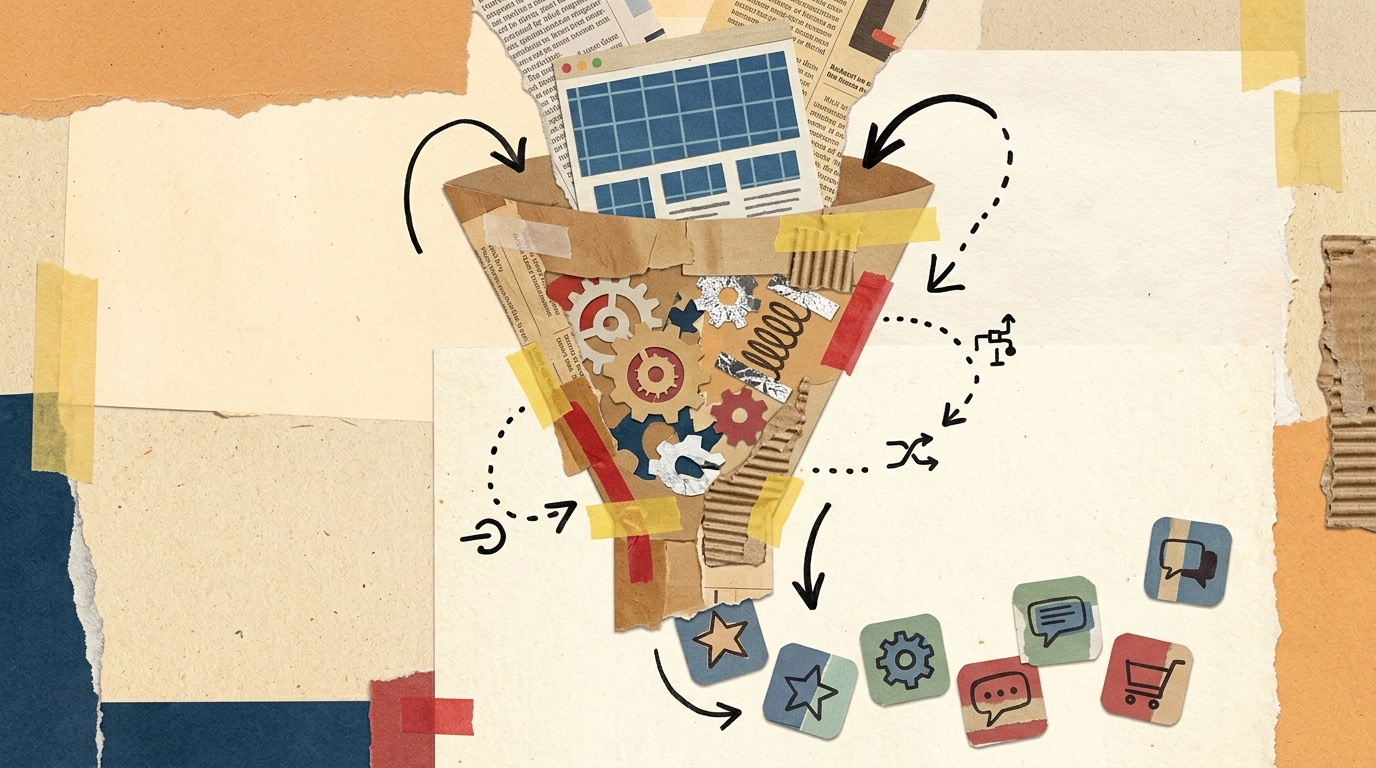
If you already run a responsive website, you don’t need to rebuild it from scratch to reach app stores. A website to app converter takes the site you already have and wraps it in a native shell – producing installable apps for Android, iOS, and desktop without a mobile development team. This guide explains what the category actually does, what output you should expect, and how to evaluate a tool before you commit.
It’s a commercial-investigation decision, so the goal here isn’t hype – it’s clarity. We’ll cover the one thing every buyer gets wrong (converters wrap your site, they don’t build it), the platforms you can realistically ship to, and a concrete end-to-end walkthrough using AppLikeWeb.
What a website to app converter actually does
A website to app converter takes the URL of an existing responsive website and packages it as a native application. The web content still runs your site – your pages, your backend, your updates – but it’s delivered inside a native container that can be installed from an app store or run as a desktop program.
This is the single most important thing to understand before you buy: a converter does not design, generate, or host a website for you. There is no internal site builder. If your web experience isn’t already mobile-friendly, fix that first – the app is only as good as the responsive site behind it. What the converter adds is everything a plain browser tab can’t: an app icon on the home screen, a real store listing, push notifications, native permissions, and built-in monetization.
What output you get: Android, iOS, and desktop
The whole point of the category is real, installable native artifacts – not a bookmark. With AppLikeWeb, a single website can be converted into apps across every major platform:
- Android – APK for direct install and testing, plus AAB (Android App Bundle) for publishing to Google Play.
- iOS – a native iOS build for iPhone and iPad.
- Desktop – native apps for Windows, macOS, and Linux, so the same web product ships as a downloadable desktop program.
That cross-platform reach matters for buyers comparing tools. Some converters cover only Android, or only mobile. Being able to generate Android, iOS, and desktop from one source website means you maintain one web codebase and distribute everywhere.
How AppLikeWeb works end to end
The practical test of any website to app converter is how quickly you go from a URL to a working app. Here’s the AppLikeWeb flow, step by step:
- Paste your URL. Point AppLikeWeb at your existing responsive website. That’s the starting input – no code export, no rebuild.
- Preview it live. A live preview shows the app as you configure it, so you can see exactly how your site behaves inside the native shell before you build anything.
- Brand the app. Set the app name, icon, splash screen, colors, and navigation behavior so the result looks like a first-party product, not a web view.
- Add native features. Wire up Firebase push notifications, configure permissions and file handling (in-app downloads, camera, storage), and turn on analytics to track usage.
- Build and publish. Generate your Android, iOS, and desktop builds. On premium plans you also get store-publishing assistance, including help with the Google Play Console and closed testing.
Because the app points at your live site, content updates ship the moment you update the website – no new build required for everyday changes.
Branding, push, and monetization: beyond the wrapper
A good converter closes the gap between “my website in an app” and “a native app users trust.” With AppLikeWeb that means:
- Custom branding – app name, icon, splash screen, colors, and navigation control so the app matches your identity.
- Push notifications via Firebase – the re-engagement channel a plain website can’t offer.
- Monetization through advertising networks, so the app can generate revenue directly.
- Analytics to measure installs, sessions, and in-app behavior.
- Permissions and file handling – in-app file downloads plus camera and storage access when your web features need them.
Proof it ships production apps: 7VPN and PeerBerry
Category evaluation is easier when you can point to real products. AppLikeWeb powers apps for 7VPN and PeerBerry – businesses running the converter approach in production, not demos. For a buyer weighing whether a wrap-your-site tool can carry a serious brand, those are concrete signals that the output holds up in the wild.
Pricing and how to choose
AppLikeWeb offers a free tier to try the flow with a single app and limited platforms – useful for validating the concept before you pay. Premium plans are available weekly (EUR 25) or quarterly (EUR 270), and enterprise pricing is custom for teams with larger needs. Premium is also where store-publishing assistance and Google Play closed-testing help come in.
When comparing any website to app converter, judge it on: platform coverage (does it produce Android, iOS, and desktop?), whether you can preview before building, the depth of branding and native features, push and monetization support, and how much help you get reaching the stores. Above all, confirm the tool wraps your existing site rather than promising to build one – that’s how the category actually works, and it’s what keeps your web team in control.
The bottom line
A website to app converter is the fastest, lowest-risk way to turn a responsive site into native apps for Android, iOS, and desktop. You keep your existing website, add native branding, push, analytics, and monetization on top, and reach the app stores without a native development cycle. AppLikeWeb makes that end-to-end – paste a URL, preview live, brand it, and build – with production customers like 7VPN and PeerBerry already shipping on it.
Start converting your website into native apps with AppLikeWeb and see your live preview in minutes.