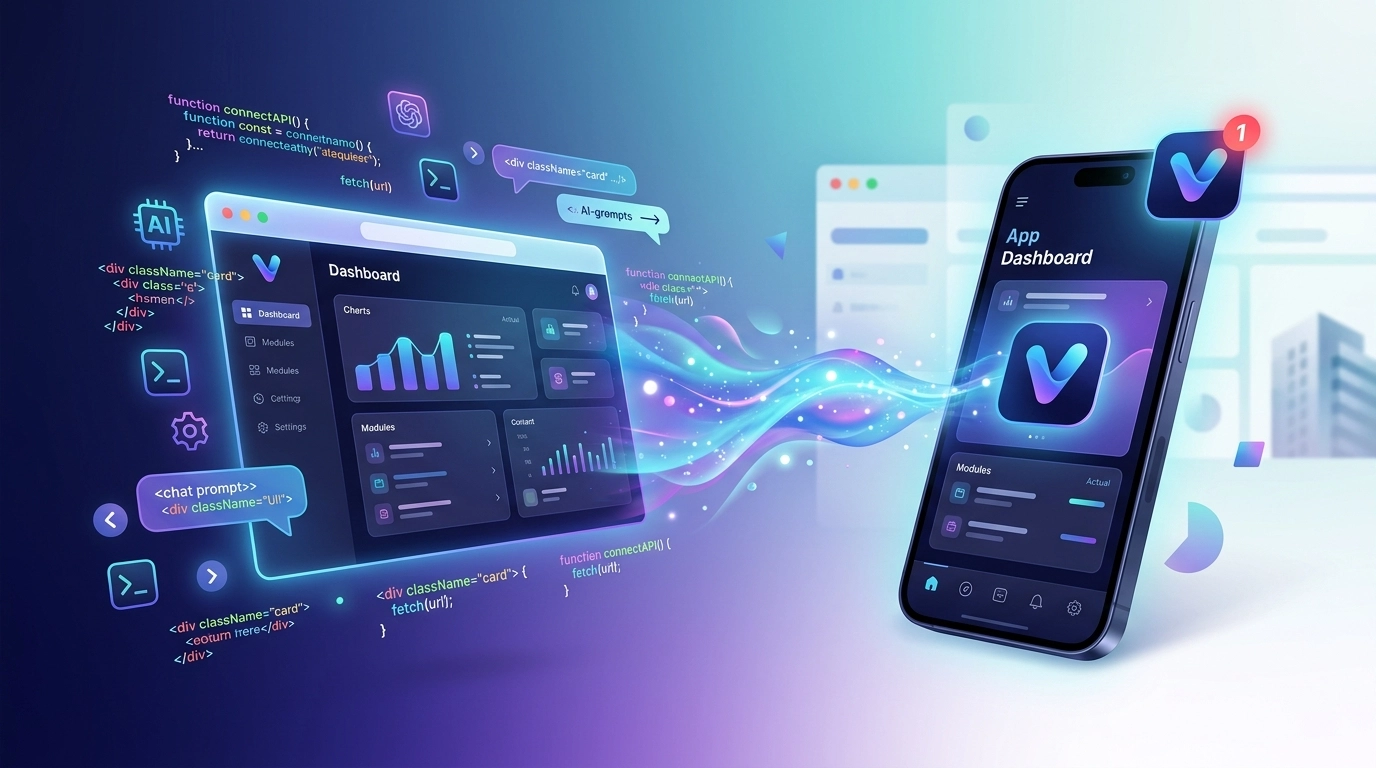
A couple of years ago, shipping a website meant wrestling with frameworks, build tools, and a mountain of boilerplate. Today a growing number of makers just describe what they want – “a landing page for my coffee subscription, dark theme, a pricing table, a signup form” – and an AI assistant writes the code for them. They tweak it in plain English, watch the preview update, and keep nudging until it feels right.
What “vibe coding” actually means
That’s vibe coding: building software by conversation and intuition instead of by hand. The term took off in early 2025, and the workflow exploded alongside tools like Claude, Cursor, GitHub Copilot, Lovable, v0, and Bolt. You stay in the flow, describe the outcome, and let the model handle the syntax.
The result is that non-developers – founders, marketers, designers, hobbyists – can now go from an idea to a working, responsive website in a single afternoon. Which raises an obvious next question.
The wall everyone hits: “Now I want it as an app”
You’ve vibe-coded a beautiful, responsive site. It works great in the browser. Then reality sets in:
- Your users keep asking for an app they can install and open with one tap.
- You want to send push notifications to bring people back.
- You’d like an icon on the home screen, a splash screen, and a presence in the App Store and Google Play.
- A website alone doesn’t give you any of that.
Suddenly the friendly, conversational workflow ends. Building native apps traditionally means learning Swift and Kotlin (or React Native / Flutter), setting up Xcode and Android Studio, managing signing certificates, and fighting store review guidelines. That’s a very different world from typing prompts into a chat window – and it’s where most vibe-coded projects stall.
The missing last mile – and how to skip it
Here’s the good news: your responsive website is already 90% of a great app. It has the UI, the logic, the content, and the responsive layout. What’s missing is the native shell around it – the part that makes it installable, sends notifications, and gets accepted into the stores.
That’s exactly the gap AppLikeWeb fills. Instead of rebuilding your project from scratch in a native framework, you point AppLikeWeb at your existing site’s URL and it wraps it into real applications for:
- Android (APK / AAB, ready for Google Play)
- iOS
- Windows, macOS, and Linux desktop apps
No second codebase. No native tooling to install. The same site you vibe-coded becomes the same app your users install.
A realistic end-to-end workflow
Here’s how the two halves fit together in practice:
- Vibe-code the website. Use your AI tool of choice to build a responsive site. The single most important rule: make sure it looks and works well on a phone-sized screen, because that’s the frame your app will live in. Ask your AI assistant to “make this fully mobile-responsive” and test it in a narrow browser window.
- Deploy it somewhere public. Push it to any host with a live URL – the app needs a real address to load.
- Point AppLikeWeb at the URL. Paste the link, watch the live preview, and confirm it feels right inside the app frame.
- Customize the shell. Set your app name, icon, splash screen, colors, and navigation behavior.
- Add the native superpowers. Enable Firebase push notifications to re-engage users, configure permissions and file handling, and add analytics to see how people actually use the app.
- Build and publish. Generate your Android APK/AAB, iOS build, and desktop binaries. On premium plans, AppLikeWeb also helps with the store-publishing steps that trip up first-timers.
The whole second half is, in spirit, still vibe coding – you’re describing what you want and letting the platform handle the plumbing.
Why this pairing works so well
Speed. Vibe coding collapses website creation from weeks to hours. AppLikeWeb collapses app creation from months to minutes. Together they turn “I have an idea” into “it’s in the store” faster than any traditional pipeline.
One source of truth. Because the app loads your live site, you don’t maintain two codebases. Update the website – fix a typo, change a price, ship a feature – and the app reflects it. No app-store resubmission for every content change.
Accessible to non-developers. Neither half requires you to be an engineer. If you can describe what you want and follow a setup wizard, you can ship across five platforms.
Real native features. Push notifications, home-screen presence, offline-friendly behavior, and store distribution are things a plain website simply can’t offer – and they’re often what turns a casual visitor into a returning user.
A few honest tips
- Design mobile-first. Because your app renders your site, a cramped desktop-only layout will feel cramped in the app too. This is the one place where getting the vibe right pays off most.
- Keep load times tight. Ask your AI assistant to optimize images and avoid heavy scripts. Snappy sites make snappy apps.
- Plan your notifications. Push is powerful but easy to overuse. Decide early what’s worth interrupting someone for.
- Read the store guidelines once. A wrapped web app is fully legitimate, but a bit of polish – clear value, a real icon, a proper privacy policy – makes review smoother.
The bottom line
Vibe coding tore down the wall between “having an idea” and “having a website.” AppLikeWeb tears down the next one – between “having a website” and “having an app.” You bring the vibes and the URL; the platform brings the native shell, the notifications, and the store-ready builds.
If you’ve already vibe-coded something you’re proud of, the app version is closer than you think. Grab your site’s URL, drop it into AppLikeWeb, and watch it become an app you can actually install.
Ready to take your vibe-coded project the last mile? Start converting your website with AppLikeWeb.