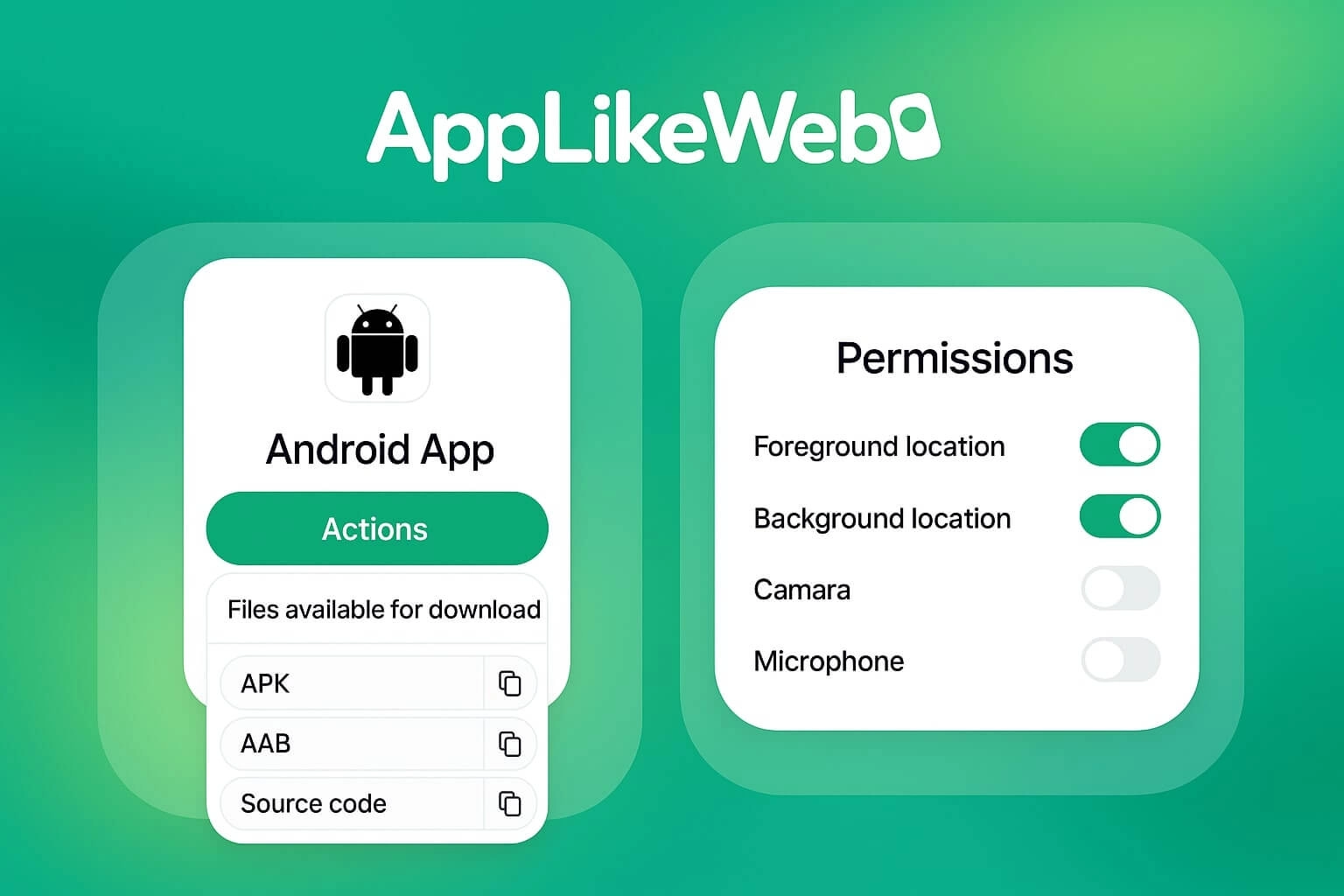
We’ve launched two powerful updates in AppLikeWeb that make app management faster and more predictable: Actions for instant file downloads and App Permissions for controlling system access like camera, microphone, and location. If you build apps from a website, these improvements cover the final mile — export your build files and fine-tune app permissions in one place.
App Permissions: one place to control system access
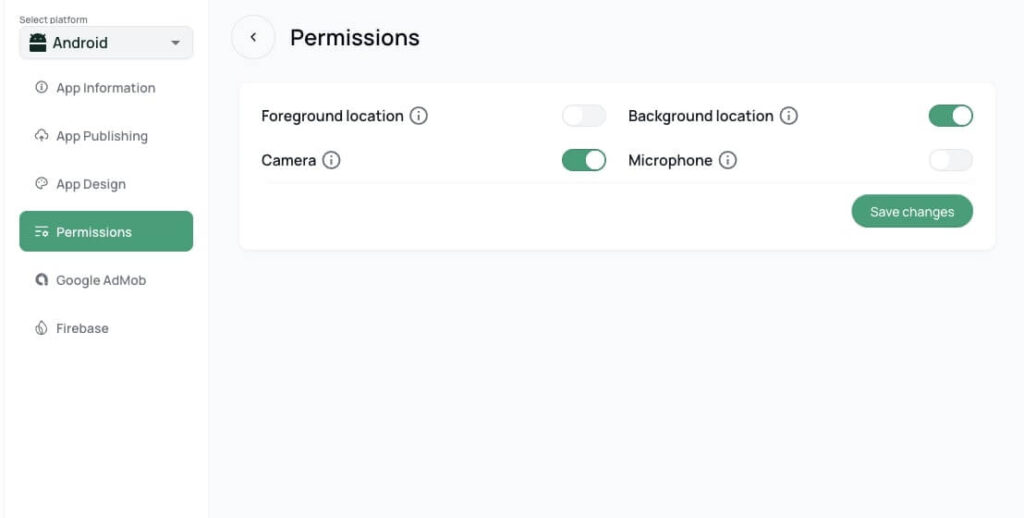
Modern apps require clear privacy controls. With the new section, you can manage the most common system permissions without guesswork:
App permissions for location (foreground & background)
Need maps, delivery, tracking, or geo-based features? Configure foreground location and background location separately. This helps you match real-world use cases and avoids requesting more access than your app needs.
App permissions for camera & microphone
If your app includes scanning, video, voice, or user-generated content, you can enable camera and microphone access as needed. All changes apply instantly after saving, so you can iterate quickly and keep your privacy settings consistent.
Actions: download build files after app generation
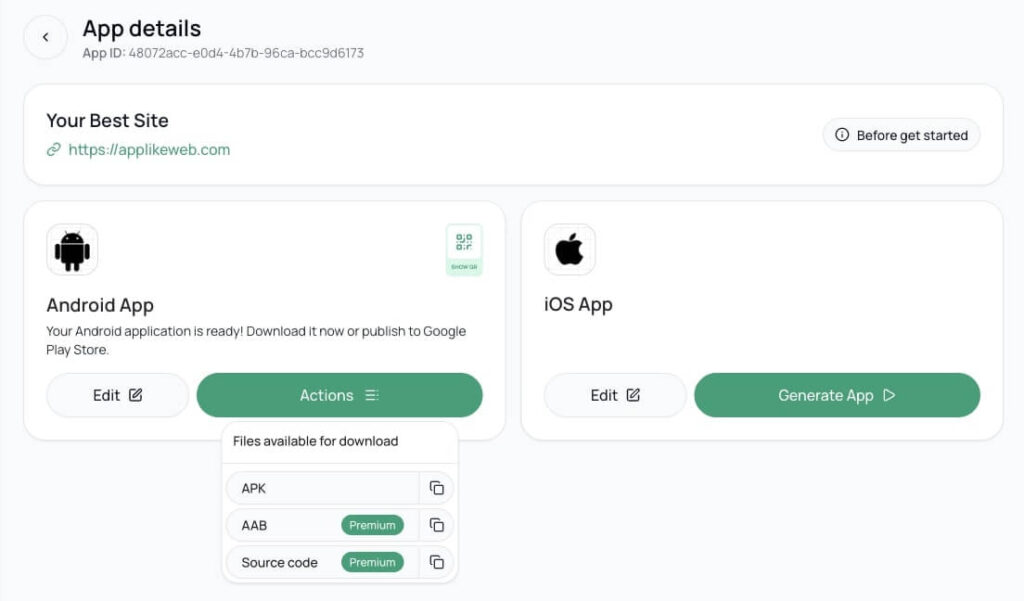
Once your app is successfully generated, the Actions menu becomes available. It’s your central hub to download everything you need — fast, simple, and without manual requests.
Available formats:
- Android: APK, AAB, Source Code
- iOS: IPA
- macOS: DMG
- Windows: ZIP
- Linux: AppImage, DEB, RPM
This means one website can become ready-to-use apps across major platforms — with exports always accessible from Actions.
Why this update matters for website-to-app teams
These features improve the full workflow from website to published app:
- App permissions are clearly managed in a dedicated section (camera, microphone, location).
- Build files are instantly downloadable for every target OS.
- You get more control, fewer support steps, and a smoother release process.
If you’re building with a website to app platform, this is exactly the kind of control you need when going from preview to production.
Summary
- Download all your app outputs via Actions (APK, AAB, IPA, DMG, AppImage, DEB, RPM).
- Manage app permissions for camera, microphone, and foreground/background location.
- End-to-end flow: website → ready-to-use apps across platforms.
Ready to try it? Create your App in AppLikeWeb and explore Actions and App Permissions in your app settings.