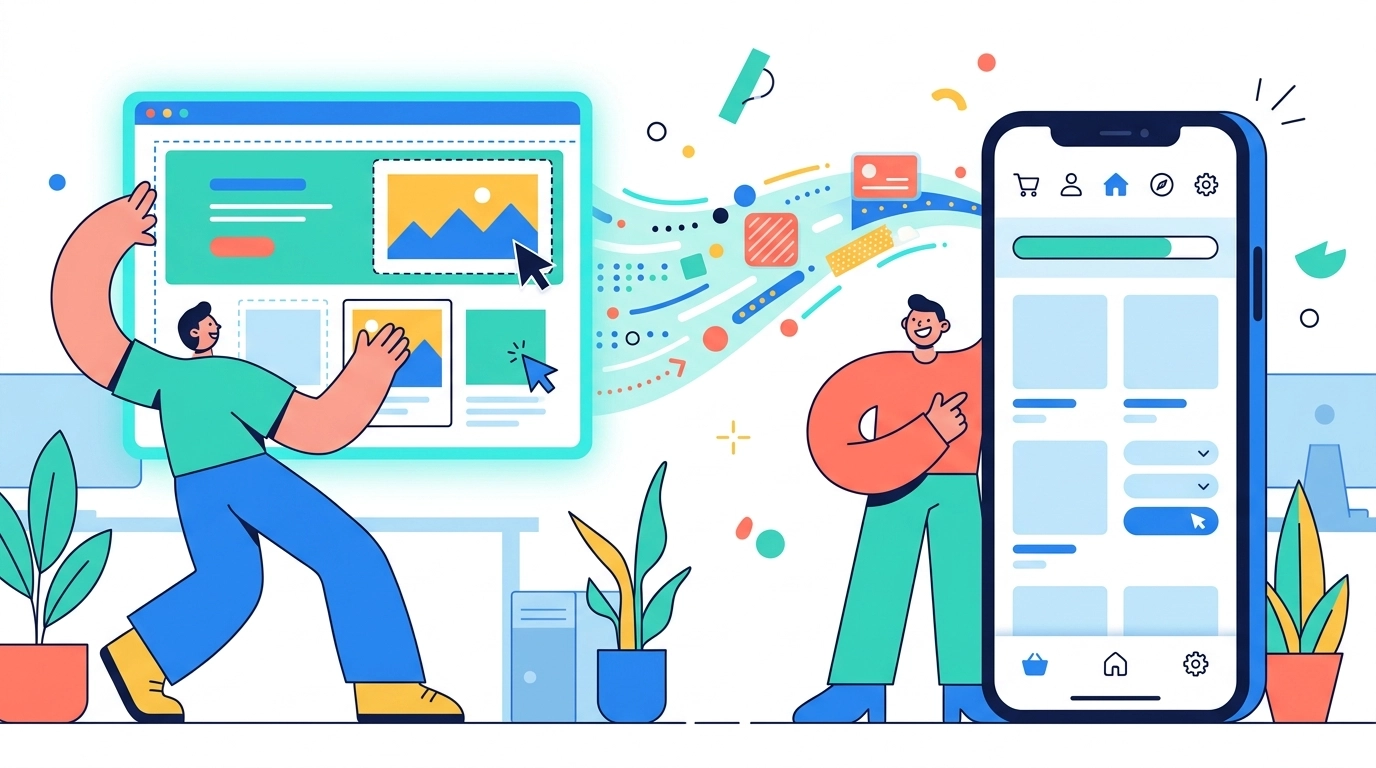
If you built your site on Wix, you already have a polished, responsive presence that works well on phones. But when it comes to mobile apps, Wix nudges you toward its shared Spaces app – a single platform application where your business is one listing among many, without your own icon on the App Store or Google Play. For many owners that’s not enough. This guide explains how to convert Wix website to app form as a standalone, branded product with your own store listing, using a no-code approach that wraps your existing published Wix URL.
The key idea is simple: you don’t rebuild anything. Your Wix site stays exactly where it is. A wrapper tool like AppLikeWeb takes your live URL and produces native apps for Android, iOS, and desktop – complete with a custom name, icon, splash screen, and push notifications – so you control the experience end to end.
Wix Spaces vs. Your Own Branded App
Wix’s built-in mobile option lets your visitors access your content through the Spaces by Wix app. It’s quick to set up, but it comes with trade-offs that matter if you want a professional, recognizable presence:
- Your business shares one generic app instead of having its own icon on users’ home screens.
- There’s no dedicated App Store or Google Play listing under your brand name.
- Customers must find and download a third-party app, then locate you inside it.
- Your branding is limited by the container app’s design and navigation.
A standalone app flips this around. Your customers install your app, tap your icon, and see your splash screen. That difference builds trust and makes your brand feel established – which is exactly why so many Wix owners look beyond Spaces.
What You Need Before You Start
Because this approach wraps an existing site rather than generating one, the prerequisites are minimal. Make sure you have the following ready:
- A published Wix site with a public URL (your live domain or the free
*.wixsite.comaddress). - A site that already displays well on mobile – Wix sites are responsive by default, so this is usually covered.
- A square app icon (a logo works fine) and, optionally, a splash-screen image.
- Developer accounts if you plan to publish: Google Play Console for Android and an Apple Developer account for iOS.
That’s it. No coding environment, no build servers, and no need to touch your Wix editor beyond confirming your site is live.
Step by Step: Convert Wix Website to App
Here is the full workflow to turn your published Wix URL into native apps with AppLikeWeb:
- Copy your Wix URL. Grab the address of your published site – this is the single input the platform needs.
- Paste it into AppLikeWeb. Enter the URL and let the platform load your site inside the app shell. A live preview shows you exactly how the app will look and behave as you configure it.
- Brand the app. Set the app name, upload your custom icon, choose a splash screen, and pick your colors. Adjust navigation behavior so the app feels native rather than like a browser tab.
- Add push notifications. Connect Firebase to send push messages – useful for promotions, new content, or order updates that a plain website can’t deliver.
- Set permissions and features. Enable in-app file downloads, camera or storage access, analytics tracking, and, if you monetize, ad network integration.
- Build your apps. Generate native builds for Android (APK/AAB), iOS, and desktop (Windows, macOS, Linux) from the same configuration.
- Test and publish. Install the build on a device to confirm everything works, then submit to the stores under your own account.
Branding: Making It Feel Like Your Own App
The whole point of moving beyond Wix Spaces is ownership of the experience, and branding is where that shows. Your app icon is the first thing customers see on their home screen, so use a clean, high-contrast version of your logo. The splash screen sets the tone during launch – keep it simple and on-brand. Matching your color scheme to your Wix site’s palette keeps the transition from web to app seamless, so returning visitors immediately recognize your business.
Navigation settings also matter. Because the app wraps a live website, you can tune how links open and how the app handles back gestures so it behaves like a purpose-built mobile app rather than an embedded page.
Publishing to the App Stores
Getting into the stores is the step that finally gives you your own listing. For Android, you upload the AAB to your Google Play Console, complete the store listing, and run closed testing before going live. Google now requires a period of closed testing for new developer accounts, which is where store-publishing assistance on premium plans is genuinely helpful – guidance through the Play Console and closed-testing process removes a lot of guesswork.
For iOS, you submit through your Apple Developer account and App Store Connect. In both cases the app carries your name, your icon, and your description, so customers search for your brand and find you directly – no shared container in sight.
Is a Wrapped Wix App Right for You?
If your goal is a professional, branded presence with your own store listing – without hiring developers or rebuilding your Wix site – wrapping your existing URL is a fast, affordable path. You keep managing content in Wix as always, and every update to your live site appears in the app automatically because the app loads your real URL. You get push notifications, analytics, and native distribution on top, all from a no-code setup. Start on the free tier to build a single app and test the fit, then move to a premium plan when you’re ready to publish across every platform.
Ready to give your Wix site its own home on every device? Start converting your website with AppLikeWeb and launch a branded Android, iOS, and desktop app from your existing URL today.