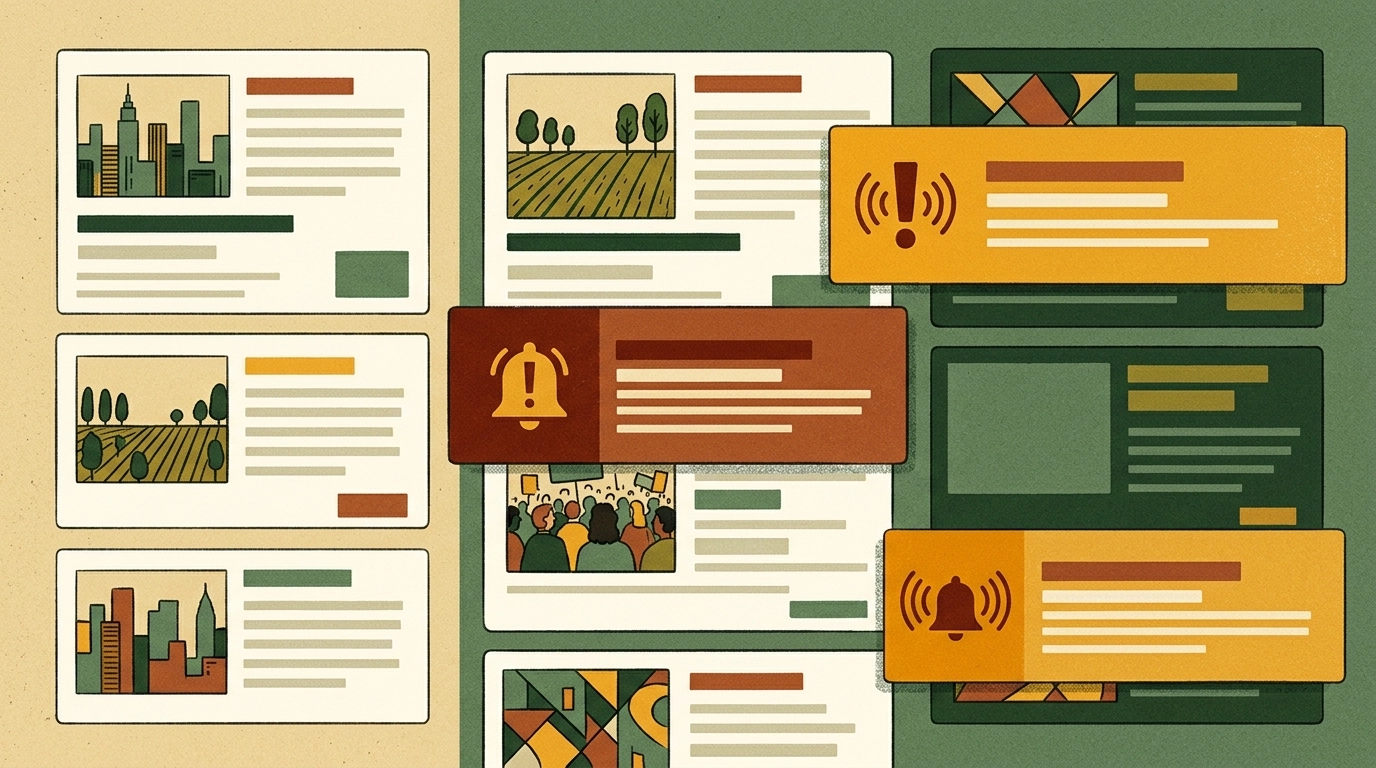
Organic web traffic is unpredictable. Search algorithms shift, social reach fluctuates, and readers who loved yesterday’s article may never find their way back. If you publish news or run a content-heavy blog, the single most valuable thing you can own is a direct line to your audience – one that lives on their home screen and reaches them the moment you hit publish. That is exactly why more publishers now want to convert a news website to a mobile app instead of relying on browser visits alone.
The good news: you do not need to rebuild your site or hire a mobile development team. If your website is already responsive, you can wrap it into native Android, iOS, and desktop apps, connect Firebase push notifications for breaking news and new posts, and layer in advertising to monetize – all without writing code. This guide walks through the whole process using AppLikeWeb.
Why a Mobile App Beats Chasing Web Traffic
A responsive website is essential, but it is a passive channel: readers have to remember you, type your URL, or hope an algorithm surfaces your latest post. A native app flips that relationship. Your icon sits on the home screen as a permanent reminder, and push notifications let you re-engage readers on your schedule – not the search engine’s.
- Home-screen presence. Your brand stays visible every time a reader unlocks their phone, driving repeat visits without paid acquisition.
- Direct re-engagement. Push notifications reach readers instantly for breaking news or a new article, bypassing the noise of feeds and inboxes.
- A channel you control. No middleman algorithm decides who sees your content – you notify your audience directly.
- Multi-platform reach. The same responsive site can ship as Android, iOS, and desktop apps, meeting readers wherever they are.
AppLikeWeb does not build or generate your website – it wraps the responsive site you already have. That means all your existing content, layout, and CMS stay exactly as they are, and every new post you publish appears in the app automatically.
Step 1: Convert Your News Website to a Mobile App
The foundation is straightforward. AppLikeWeb takes your existing website URL and turns it into native apps, so make sure your site looks good on small screens before you begin.
- Enter your news or blog site’s URL into AppLikeWeb to start a new project.
- Use the live preview to see your app render as you configure it, checking navigation and how articles load.
- Choose your target platforms – Android (APK/AAB), iOS, and desktop builds for Windows, macOS, and Linux.
- Confirm the navigation behavior so readers can move between your homepage, categories, and individual posts smoothly.
Because the app loads your live site, breaking stories and edits go live in the app the instant they publish on the web – there is nothing extra to sync.
Step 2: Brand the App to Match Your Publication
An app on the home screen is a branding asset, so it should look unmistakably like your publication. AppLikeWeb lets you customize the details that shape a reader’s first impression.
- App name that matches your masthead or blog title.
- App icon using your logo so readers recognize it at a glance.
- Splash screen for a polished launch experience.
- Colors aligned to your brand palette for a consistent feel.
Getting this right early pays off: a recognizable icon and clean splash screen make readers more likely to tap in daily and more forgiving of the occasional push notification.
Step 3: Set Up Firebase Push Notifications for Breaking News
Push notifications are the single biggest reason a publisher should build an app. AppLikeWeb supports Firebase push, giving you a direct re-engagement channel for the moments that matter most – a breaking story, a major update, or simply your latest post.
Think through how you will use notifications before you send the first one. A few practical patterns work well for news and blogs:
- Breaking news alerts for time-sensitive stories your readers expect to hear about immediately.
- New post announcements to pull readers back when you publish fresh content.
- Daily or weekly digests summarizing your top stories to keep casual readers engaged.
Restraint matters. Reserve alerts for genuinely valuable updates – over-notifying is the fastest way to get readers to disable push or uninstall. Used well, a single well-timed breaking-news alert can drive a surge of return visits that no organic channel can match.
Step 4: Monetize the App With Advertising
More engaged readers and more repeat sessions mean more opportunities to earn. AppLikeWeb supports app monetization through advertising networks, so you can turn the loyal audience your app builds into revenue.
For publishers, the math is compelling: push notifications bring readers back more often, each return session is a chance to serve ads, and the home-screen habit compounds over time. Instead of hoping search sends one-time visitors, you build a returning audience whose repeat sessions are inherently more monetizable.
Step 5: Track Engagement and Publish to the Stores
Once your app is live, you need to know what is working. AppLikeWeb includes analytics and usage tracking so you can see how readers move through your app, which helps you refine both your content cadence and your push strategy over time.
When you are ready to distribute, premium plans include store-publishing assistance, including help with the Google Play Console and closed testing requirements. That guidance smooths out the trickiest part of shipping for publishers who have never submitted an app before. If your content involves downloadable files – PDFs, reports, or media – the app also supports file downloads and the relevant permissions so readers get the full experience.
Bringing It All Together
For a publisher, blogger, or independent media outlet, the strategy is clear: your responsive website stays the source of truth, and a native app becomes the direct channel that keeps readers coming back. Wrap the site into Android, iOS, and desktop apps, brand it to match your publication, wire up Firebase push for breaking news and new posts, monetize with advertising, and watch your analytics to keep improving. It is a shift from chasing unpredictable web traffic to owning a re-engagement channel – without touching a line of code.
Ready to give your readers a home-screen presence and a direct line for every breaking story? Start converting your website with AppLikeWeb today.