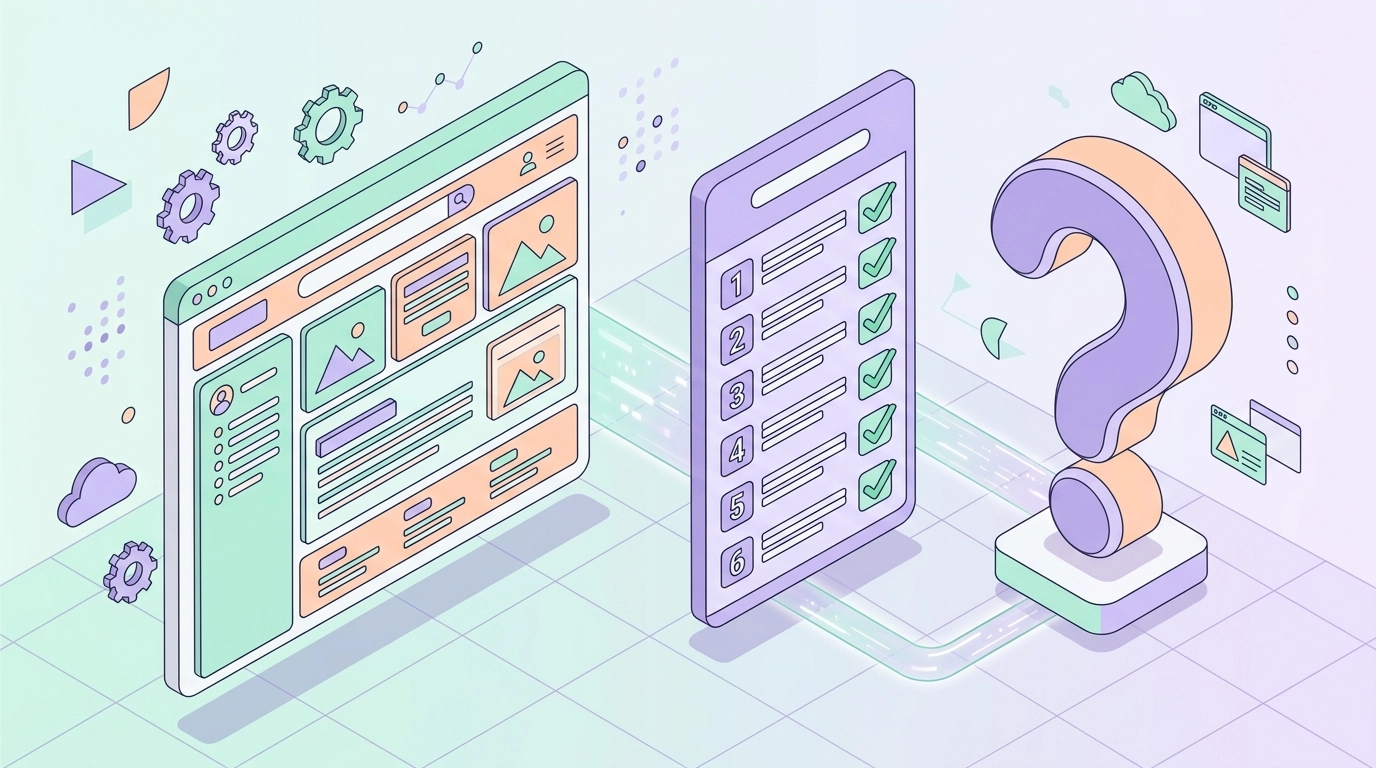
Short answer: can you turn any website into an app? In most cases, yes – but “any” deserves an asterisk. AppLikeWeb takes your existing, live website and wraps it into native apps for Android, iOS, and desktop (Windows, macOS, and Linux) without a single line of code. The catch is that the quality of the finished app depends heavily on how the underlying website is built. A modern, responsive, secure site converts beautifully; a fragile or desktop-only one can feel awkward inside an app shell.
This guide answers the literal question up front and then hands you a practical readiness checklist. Run through it before you start, fix a few common issues, and you’ll get a smooth, professional result instead of a frustrating one.
So, Can You Turn Any Website Into an App?
Technically, almost any public website can be loaded and wrapped into an app. AppLikeWeb converts a website URL into native apps and gives you a live preview while you configure everything – the app name, icon, splash screen, colors, and navigation behavior. But there’s an important distinction: AppLikeWeb wraps an existing site. It does not build, generate, or host a website for you.
That means your website is the product, and the app is a native container around it. If your site already works well in a mobile browser, it will work well in the app. If it has rough edges on mobile, those same edges show up inside the app. The checklist below is really a checklist for your website, because that’s what determines the outcome.
The Readiness Checklist
Before you convert, confirm your site meets these core requirements. Each one directly affects how the app looks and behaves.
- It’s responsive and mobile-friendly. Layouts should adapt to small screens, tap targets should be finger-sized, and text should be readable without pinch-zooming.
- It’s served over HTTPS. A valid SSL certificate is essential. Mixed content and insecure pages cause loading and trust problems inside a WebView.
- It behaves well in a WebView. The site should render and navigate correctly inside an embedded browser component without depending on browser-only features it can’t reach.
- It loads reliably and reasonably fast. Slow first loads feel worse in an app than in a browser because users expect app-like speed.
- Its core flows work without extra browser plugins. Logins, forms, and checkouts should complete on a standard mobile engine.
Why Responsive Design Is Non-Negotiable
A native app runs on phones first, so a desktop-only layout is the single most common reason a conversion disappoints. If your site squeezes a wide layout onto a small screen, users will be greeted by tiny buttons, horizontal scrolling, and cramped text inside the app.
The good news is that most modern sites – built on WordPress, Shopify, Webflow, or any current framework – are already responsive. Open your site on an actual phone and interact with it like a customer would. If it feels comfortable there, it will feel comfortable in the app. If it doesn’t, fix the responsive layout first; that one change delivers the biggest quality jump.
HTTPS and Security: The Baseline
Serving your site over HTTPS is not optional for a good app experience. A secure connection protects your users, keeps logins and forms working, and prevents the security warnings that break trust the moment someone opens your app.
Watch out for mixed content – a page loaded over HTTPS that still pulls images, scripts, or stylesheets over insecure HTTP. Those resources can be blocked or fail silently inside the app. Make sure every asset your pages request also uses HTTPS before you convert.
Common Issues to Fix Before You Convert
Beyond the core requirements, a few recurring problems are worth checking. Addressing them ahead of time saves you from re-testing later.
- Intrusive pop-ups and interstitials. Cookie banners and newsletter modals that are hard to dismiss on mobile are even more annoying in an app. Make sure they close cleanly on small screens.
- File downloads and uploads. If users download PDFs or upload photos, confirm those flows work. AppLikeWeb supports file downloads inside the app and can request camera and storage permissions when your site needs them.
- Fixed-width elements. Tables, embedded maps, or hard-coded pixel widths can force horizontal scrolling. Let them scale to the viewport.
- External links and third-party logins. Test that redirects to payment providers or identity services return to your app correctly.
- Navigation depth. Decide how the app’s back button and navigation should behave, then set that in the configuration – you can preview it live before publishing.
What You Get Once Your Site Is Ready
When your website passes the checklist, the conversion becomes the easy part. Inside AppLikeWeb you customize the branding – app name, icon, splash screen, and colors – and watch the result update in a live preview. From there you can layer on native capabilities your website alone can’t offer:
- Firebase push notifications to re-engage users.
- Monetization through advertising networks.
- Analytics and usage tracking to understand behavior.
- Native builds for Android (APK/AAB), iOS, and desktop platforms.
On premium plans you also get store-publishing assistance, including help with the Google Play Console and closed testing, so your finished app reaches real users. Companies like 7VPN and PeerBerry already deliver their web experiences this way.
The Bottom Line
Can you turn any website into an app? If your site is responsive, served over HTTPS, and behaves well in a WebView, the answer is a confident yes – and the result will feel genuinely native. If it’s not there yet, the fixes are usually small and worth doing anyway, because they improve your mobile web experience at the same time. Run the checklist, patch the obvious issues, and you’ll be ready to ship native apps for Android, iOS, and desktop from the site you already have.
Start converting your website with AppLikeWeb and preview your native app in minutes.