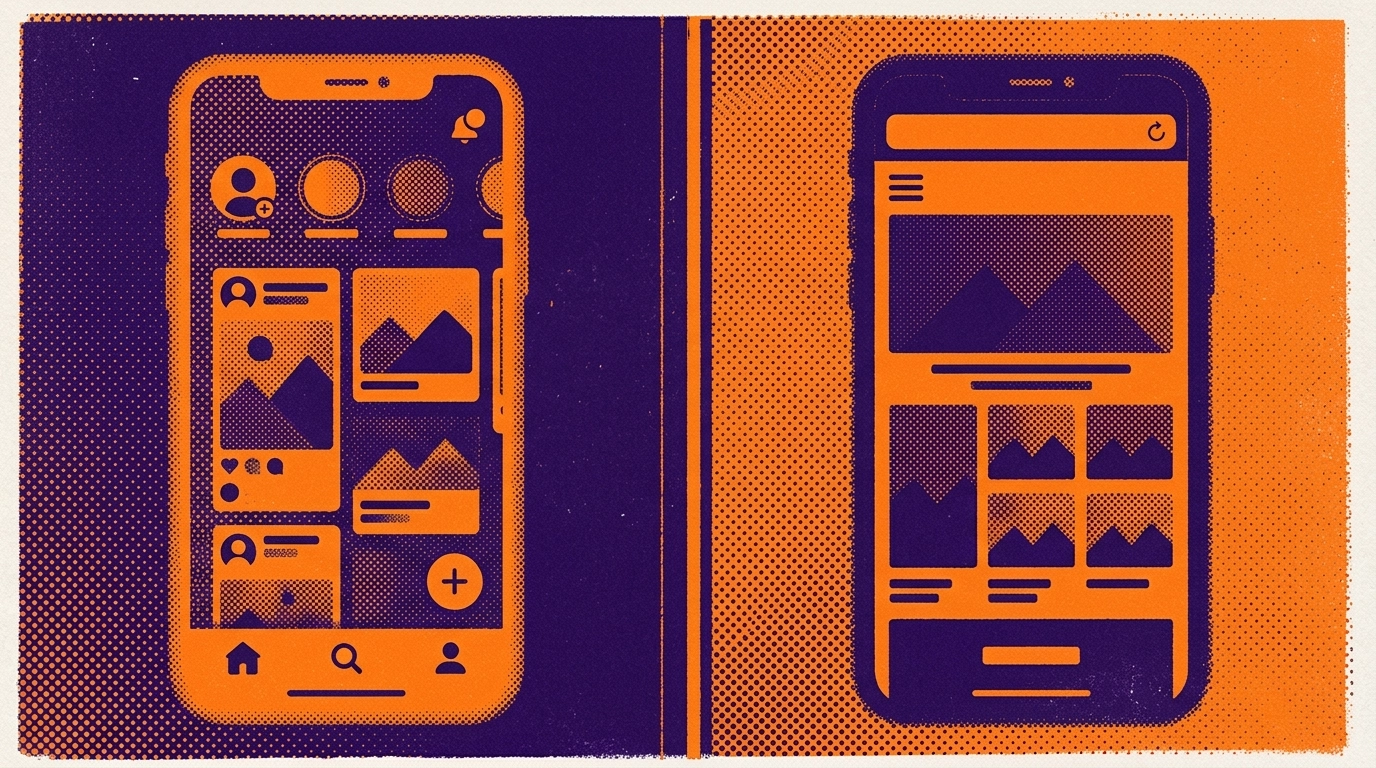
You already have a website that looks great on a phone, so the question keeps nagging: do you actually need a native app too? The “app vs mobile website” debate has cost founders countless hours and—when they hire an agency to build a separate app—serious money. The honest answer is that neither option is universally “better.” What matters is which channel moves the needle for your customers, your budget, and the way people actually use your product.
This guide gives you a straight decision framework instead of hype. We’ll compare what a mobile-optimized website does well, what a native app unlocks, and the real trade-offs in cost and maintenance. Then we’ll show you why the choice isn’t always either/or – because you can keep your existing responsive site and add the native layer on top of it.
What a mobile website does well
A responsive website is the workhorse of any modern business. It loads in any browser, needs no installation, and updates instantly the moment you publish a change. For discovery, nothing beats it: search engines index your pages, and a single link works everywhere – email, ads, social posts, QR codes.
A mobile website is usually the right primary channel when:
- Most of your traffic arrives from Google search or paid ads.
- Visits are one-off or infrequent – people don’t come back daily.
- You need to publish or edit content constantly and want changes live immediately.
- Your budget and team are small, and you want the lowest possible maintenance overhead.
The limits show up in engagement. A browser tab is easy to close and easy to forget. You have no icon on the home screen, no presence in the app stores, and—on the open web—limited ways to pull someone back once they’ve left.
What a native app unlocks
A native app changes your relationship with the customer from “visitor” to “installed.” Once someone puts your icon on their home screen, you’ve won a small piece of prime real estate they see dozens of times a day. That single fact drives most of the app’s advantages:
- Push notifications. You can re-engage users directly – a new drop, an abandoned cart, a booking reminder – without paying for another ad impression.
- Home-screen presence. A branded icon keeps you top of mind and turns repeat visits into a one-tap habit.
- App-store discoverability. Being listed on Google Play and the App Store adds a credibility signal and a second discovery channel most websites can’t touch.
- A branded, full-screen feel. No browser chrome, your splash screen and colors, smoother navigation – it simply feels more like a product than a page.
- Device capabilities. Cleaner handling of in-app file downloads, camera and storage permissions, plus monetization through ad networks and built-in analytics.
An app tends to earn its keep when people use your service repeatedly, when notifications genuinely add value, and when a polished branded experience influences whether customers trust and stick with you.
App vs mobile website: the real trade-off is cost and maintenance
Here is where the traditional app vs mobile website comparison gets expensive. Building a native app from scratch usually means a second codebase – often two, for Android and iOS – plus specialist developers, longer timelines, and the ongoing burden of keeping the app in sync with the website every time you change a price, a policy, or a product.
For many small businesses, that duplicated effort is the single biggest reason a native app never ships. You end up maintaining two versions of the same thing, and the app slowly drifts out of date. This is exactly the trap that makes the “just build an app” advice so risky for a lean team.
A simple decision framework
Run your situation through these questions before you commit either way:
- How often do customers return? Daily or weekly use favors an app; occasional visits favor the website.
- Would push notifications actually help? If timely reminders or updates drive real value, that’s a strong point for an app.
- Does home-screen presence matter for your brand? Habit-forming services benefit; a rarely visited catalog may not.
- Is app-store visibility a channel you want? A listing can add reach and trust for the right business.
- Can you afford a second codebase? If maintaining two products would strain your team, that’s decisive – unless you can reuse what you already have.
If most of your answers point toward an app but the last one stops you cold, keep reading – that’s the exact gap AppLikeWeb was built to close.
You don’t actually have to choose
The framing of app vs mobile website assumes they’re two separate builds. They don’t have to be. AppLikeWeb is a no-code platform that takes your existing responsive website and wraps it into native apps for Android (APK/AAB), iOS, and desktop (Windows, macOS, Linux). You keep one codebase – your website – and layer the native experience on top.
That means you get the strengths of both sides at once:
- Your website stays your single source of truth – update it once, and the app reflects it.
- Add Firebase push notifications to re-engage users directly.
- Customize the app name, icon, splash screen, colors, and navigation for a fully branded feel, with a live preview as you configure.
- Enable analytics, ad-network monetization, in-app file downloads, and camera or storage permissions.
- Get store-publishing assistance on premium plans, including help with the Google Play Console and closed testing.
To be clear about what this is: AppLikeWeb wraps a website you already have – it doesn’t build or generate the website for you. You bring the responsive site; it adds the native and desktop layer. Businesses like 7VPN and PeerBerry use exactly this approach.
The bottom line
A mobile website wins on reach, simplicity, and low maintenance. A native app wins on engagement, home-screen presence, push notifications, and a branded feel. The old trade-off – a costly second codebase – used to force a hard choice. It no longer has to. If your decision framework leans toward an app but the maintenance cost gives you pause, reusing your existing responsive site to generate native apps gets you the best of both without the duplication.
Ready to keep one codebase and add the native layer? Start converting your website with AppLikeWeb and see your app in a live preview in minutes.